
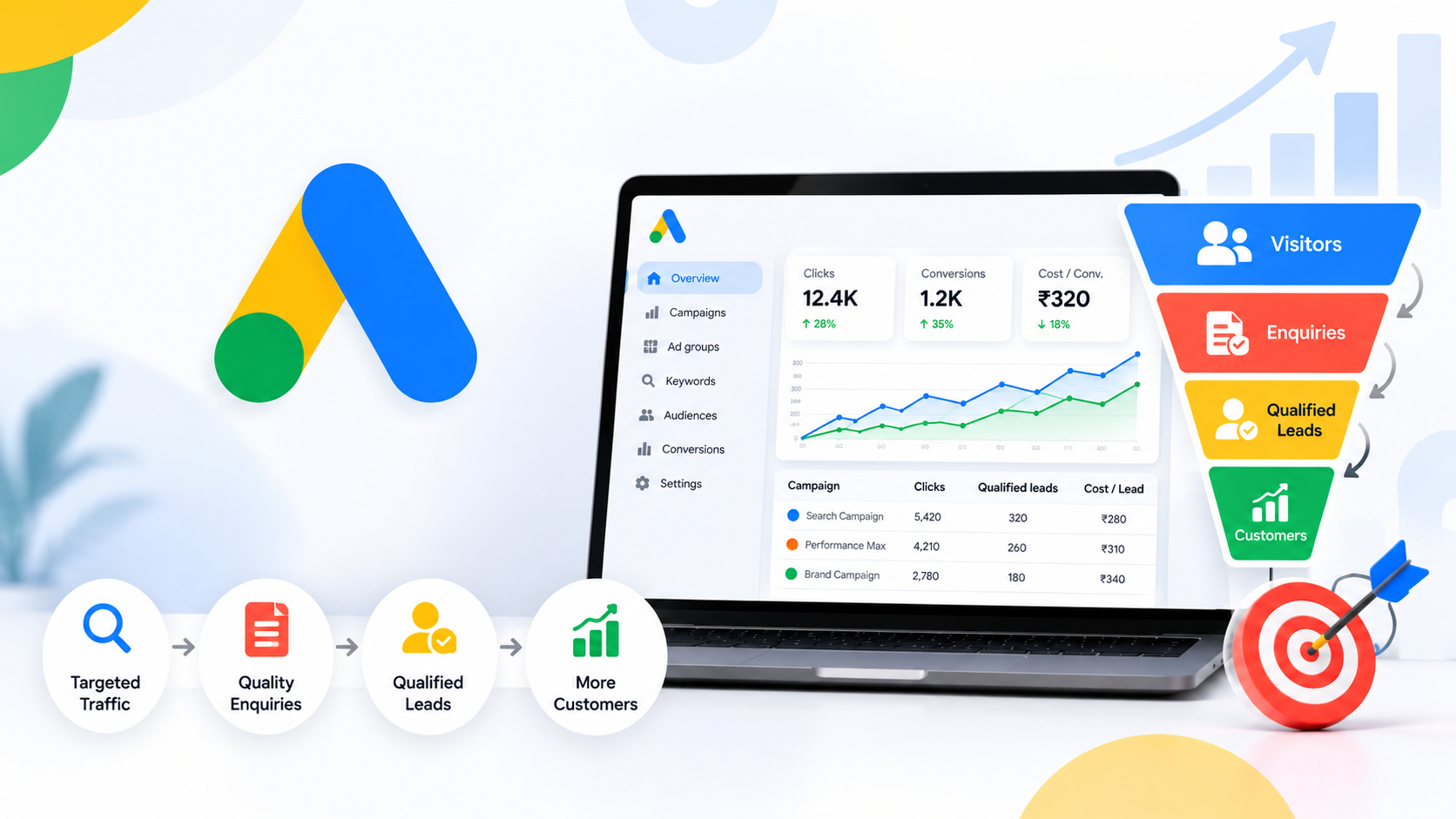
Google Ads Qualified Leads
Google Ads Qualified Leads: How to Track Leads That Actually Become Customers
Running Google Ads can generate website enquiries, phone calls, and form submissions. However, more leads do not always mean more sales. Some enquiries come from people who are not ready to buy, while others may not match your target audience at all.
This is why businesses need to understand Google Ads qualified leads and learn how to measure the quality of their enquiries, not just the total number of leads.
By tracking which leads become genuine sales opportunities and customers, businesses can make better advertising decisions, reduce wasted spending, and improve campaign performance.
What Are Google Ads Qualified Leads?
Google Ads qualified leads are enquiries that have been reviewed and identified as potential customers who fit your business requirements.
For example, imagine you offer digital marketing services. Someone who submits a form asking about your services becomes a lead. After contacting them, you discover they need your services, have a suitable budget, and are interested in getting started. That person may qualify as a sales-ready lead.
Qualification criteria depend on your business. They may include:
- Genuine interest in your product or service
- A suitable budget
- Location or service-area requirements
- A clear business need
- A realistic buying timeline
Defining these criteria helps your sales team distinguish serious prospects from enquiries that are unlikely to become customers.
Google Ads Qualified Leads vs. Converted Leads
Qualified leads and converted leads represent different stages of the sales journey.
Lead: A person submits a form, calls your business, or takes another action that indicates interest.
Qualified lead: Your team confirms that the enquiry meets your lead qualification criteria.
Converted lead: The person completes the important conversion milestone you have defined, such as becoming a paying customer or closing a deal.
Google Ads supports separate qualified lead and converted lead goal types, allowing eligible advertisers to measure deeper stages of the sales process. You can read Google’s explanation of qualified leads and converted leads in Google Ads for the available options and setup requirements.
The important point is to define each stage clearly and measure it consistently.
Why Google Ads Lead Quality Matters
A campaign can generate a large number of enquiries and still deliver poor business results if most leads are irrelevant.
Tracking Google Ads qualified leads helps you understand which campaigns produce meaningful opportunities.
1. Identify Better-Performing Campaigns
Compare campaigns, ad groups, keywords, and landing pages based on the quality of the leads they generate. A campaign with fewer enquiries may be more valuable if a larger proportion of those enquiries become customers.
2. Understand the Real Cost of Lead Generation
Cost per lead tells you how much you spend to generate an enquiry. Cost per qualified lead tells you how much you spend to generate an enquiry that meets your criteria.
Both metrics are useful, but they measure different outcomes.
3. Make Better Optimization Decisions
When reliable sales outcome data is available, advertisers can evaluate whether their targeting, ads, and landing pages are attracting the right audience.
This is more useful than judging campaign performance using clicks and impressions alone.
How to Track Google Ads Qualified Leads
Accurate tracking requires a clear process from the first ad interaction to the final sales outcome.
Step 1: Define Your Conversion Actions
Start by deciding which customer actions matter to your business.
Depending on your business model, these may include:
- Successful contact form submissions
- Meaningful phone calls
- Consultation bookings
- Qualified sales opportunities
- Completed purchases or closed deals
Do not count every button click as a qualified lead. A click on a contact button does not necessarily mean someone submitted an enquiry or became a serious prospect.
Step 2: Set Up Google Ads Conversion Tracking
You need reliable tracking to understand which actions happen after people interact with your ads.
Configure Google Ads website conversion tracking for the important actions on your website, such as completed lead forms or purchases. Test the setup to confirm that the correct actions are recorded and that duplicate conversions are not being counted.
Choose conversion actions that match your actual business goals. Google’s setup options can vary depending on your website, tags, and existing integrations.
Step 3: Record Lead Quality in Your CRM
A customer relationship management (CRM) system can help your business follow each enquiry through the sales process.
Record useful information such as:
- Lead source or campaign
- Date of enquiry
- Qualification status
- Sales follow-up status
- Final outcome
- Deal value, when applicable
A well-maintained spreadsheet may also work for a small business with a straightforward sales process.
The objective is to know which enquiries are qualified, which are still being followed up, and which have become customers.
Step 4: Connect Sales Outcomes to Google Ads
Website tracking may tell you that someone submitted a form, but it may not tell you whether your sales team eventually closed the deal.
Where suitable, businesses can use CRM integrations or supported conversion import methods to share qualified and completed lead outcomes with Google Ads. Google’s enhanced conversions for leads documentation explains how eligible advertisers can improve measurement by connecting first-party lead data with advertising interactions.
Before implementing this, confirm that your setup meets Google’s requirements and applicable privacy and consent obligations. The available process depends on your account, data sources, and technical setup.
Step 5: Optimize Using Reliable Data
Once your tracking is working and your lead statuses are being recorded consistently, compare performance across your campaigns.
Review which campaigns produce qualified enquiries, which leads progress to sales, and where prospects drop out of the funnel.
You can then use these findings to improve keyword selection, ad messaging, landing pages, and follow-up processes. Consider using qualified lead or converted lead optimization goals only when the corresponding conversion data is configured correctly and suitable for your campaign.
Important Metrics to Measure
Measuring Google Ads qualified leads requires more than looking at total conversions.
Cost Per Lead
Cost per lead (CPL) measures the average advertising spend required to generate one lead.
Formula: Total ad spend ÷ Total leads
Cost Per Qualified Lead
Cost per qualified lead (CPQL) measures the average amount spent to generate one qualified lead.
Formula: Total ad spend ÷ Total qualified leads
Lead Qualification Rate
This metric shows what proportion of enquiries meet your qualification criteria.
Formula: Qualified leads ÷ Total leads × 100
Lead-to-Customer Conversion Rate
This measures how many leads eventually become customers.
Formula: Converted leads ÷ Total leads × 100
Cost Per Customer
Cost per customer measures the advertising spend associated with acquiring customers.
Formula: Total ad spend ÷ Customers acquired
These metrics should be interpreted together. A lower cost per lead is not necessarily better if the leads rarely become customers.
Example: Measuring Qualified Leads in Google Ads
Suppose a business spends ₹30,000 on Google Ads in one month.
| Metric | Example result |
|---|---|
| Total ad spend | ₹30,000 |
| Total leads | 100 |
| Qualified leads | 25 |
| Customers acquired | 5 |
| Cost per lead | ₹300 |
| Cost per qualified lead | ₹1,200 |
| Advertising cost per acquired customer | ₹6,000 |
These figures are illustrative, not industry benchmarks.
Although the business generated 100 enquiries, only 25 qualified leads and five customers resulted. This gives the business a clearer view of lead quality and helps it assess whether its campaigns are producing commercially useful results.
Common Google Ads Lead Tracking Mistakes
Avoid these common problems when setting up Google Ads qualified leads tracking.
Counting clicks as conversions: Track meaningful completed actions instead of assuming every click represents an enquiry.
Ignoring lead quality: Do not judge campaigns only by the number of forms submitted or the cost per lead.
Using inconsistent qualification criteria: Your team should follow the same rules when deciding whether an enquiry is qualified.
Forgetting sales follow-up: Delayed or inconsistent follow-up can affect how many leads become customers. Review the sales process alongside advertising data.
Ignoring tracking errors: Check for missing conversion events, duplicate submissions, broken tags, and incomplete CRM records.
Optimizing with unreliable data: Confirm that qualified and converted lead outcomes are recorded correctly before using them to guide automated campaign bidding.
How to Improve Google Ads Lead Quality
Tracking helps you identify problems, but improving lead quality also requires better campaign management.
First, choose search keywords that match your customers’ actual needs. Review search terms regularly and exclude irrelevant searches when appropriate.
Second, make your ads specific about your products, services, locations, and offers. Clear messaging helps potential customers understand what they can expect before clicking.
Third, align your landing page with the ad. Explain the service, provide useful information, show a clear call to action, and make the enquiry form easy to complete.
Finally, review lead quality with your sales team. Their feedback can reveal whether a campaign attracts suitable prospects or produces many enquiries that are unlikely to convert.
A consistent lead generation strategy combines accurate tracking, relevant targeting, clear messaging, effective landing pages, and timely follow-up.
Frequently Asked Questions
What are qualified leads in Google Ads?
Qualified leads are enquiries that have been assessed against your business requirements and identified as potential sales opportunities.
How do I track qualified leads in Google Ads?
Set up website conversion tracking for meaningful actions, record each lead’s status in a CRM or spreadsheet, and connect downstream outcomes to Google Ads using a supported method where appropriate.
What is the difference between cost per lead and cost per qualified lead?
Cost per lead measures the cost of generating any lead. Cost per qualified lead measures the cost of generating an enquiry that meets your qualification criteria.
Can Google Ads optimize campaigns for qualified leads?
Google Ads supports qualified lead and converted lead goal types. Their suitability depends on your campaign objectives and the accuracy and availability of your conversion data.
Why are my Google Ads generating leads but not sales?
Possible reasons include irrelevant search traffic, unclear ads, weak landing pages, unsuitable offers, poor lead qualification, or inconsistent follow-up. Review the entire journey from the ad click to the final sales outcome.
Conclusion
Google Ads performance should not be judged by lead volume alone. Businesses need to understand which enquiries are relevant, which become qualified opportunities, and which ultimately become customers.
By defining qualification criteria, setting up accurate conversion tracking, recording sales outcomes, and reviewing the right metrics, you can make more informed advertising decisions.
For businesses looking to improve their campaigns, combining accurate measurement with effective Google Ads campaigns and a clear sales process can help create a more sustainable approach to lead generation and business growth.
Explore our digital marketing packages to learn more about campaign management and digital growth services.


Recent Posts

October 12, 2026
Google Ads Qualified Leads

September 26, 2026
Google AI Overviews

September 25, 2026
Leave a comment